Signup
There's three ways to create a simps account. You can use your email, your phone number or connect a crypto wallet like Metamask or Rabby wallet.
Email signup
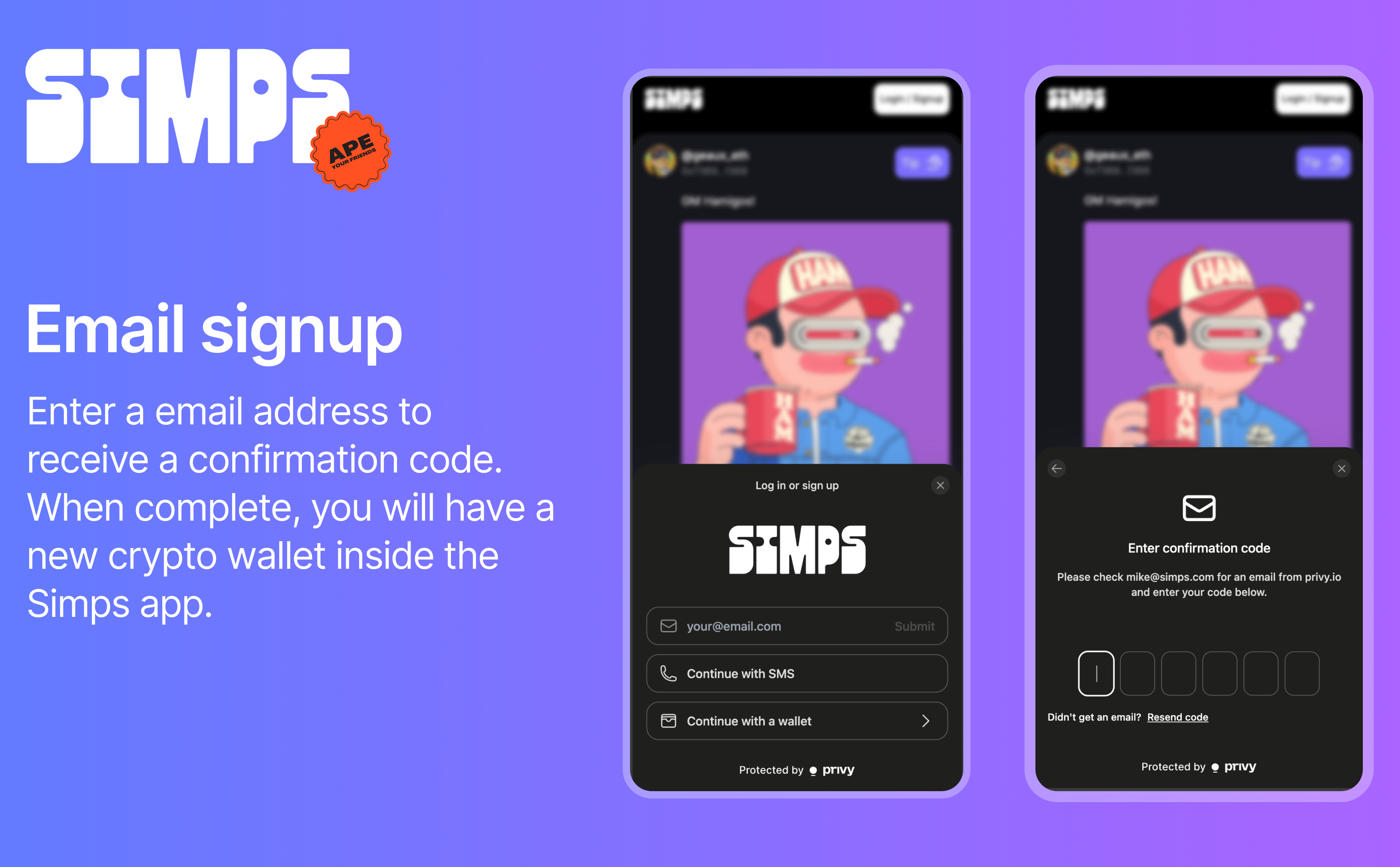
The email option requires you to enter a valid email address. You will receive a confirmation email with a 6 digit code. Enter that code back in the app to confirm your email address.
Once done, you will have a brand new crypto wallet inside the Simps app. You can now deposit funds into your wallet and start buying / selling rooms.
Phone signup
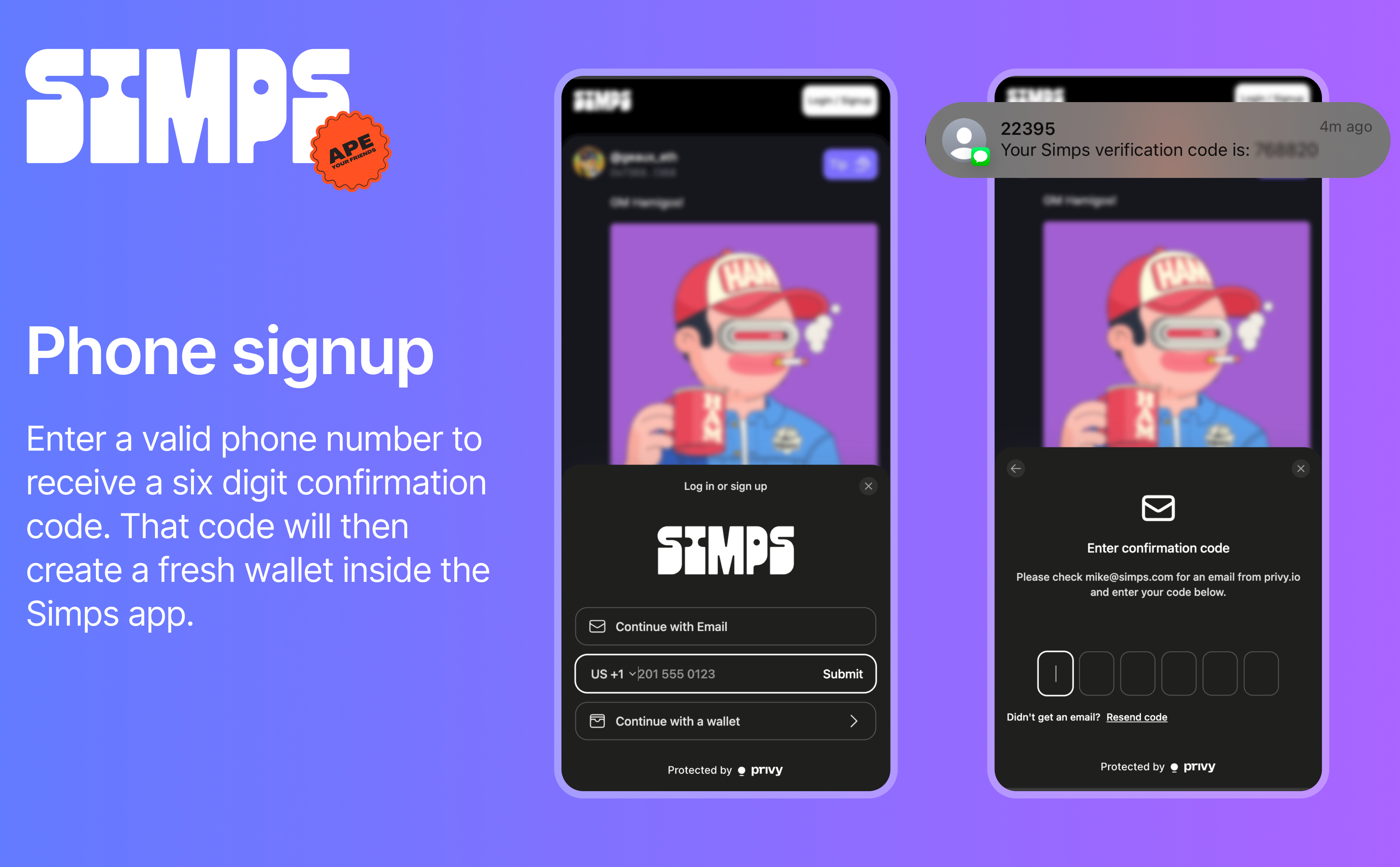
The phone option requires you to enter a valid phone number. You will receive a confirmation SMS with a 6 digit code. Enter that code back in the app to confirm your phone number.
Once done, you will have a brand new crypto wallet inside the Simps app. You can now deposit funds into your wallet and start buying / selling rooms.
(phone option is only available in certain countries)
Wallet signup
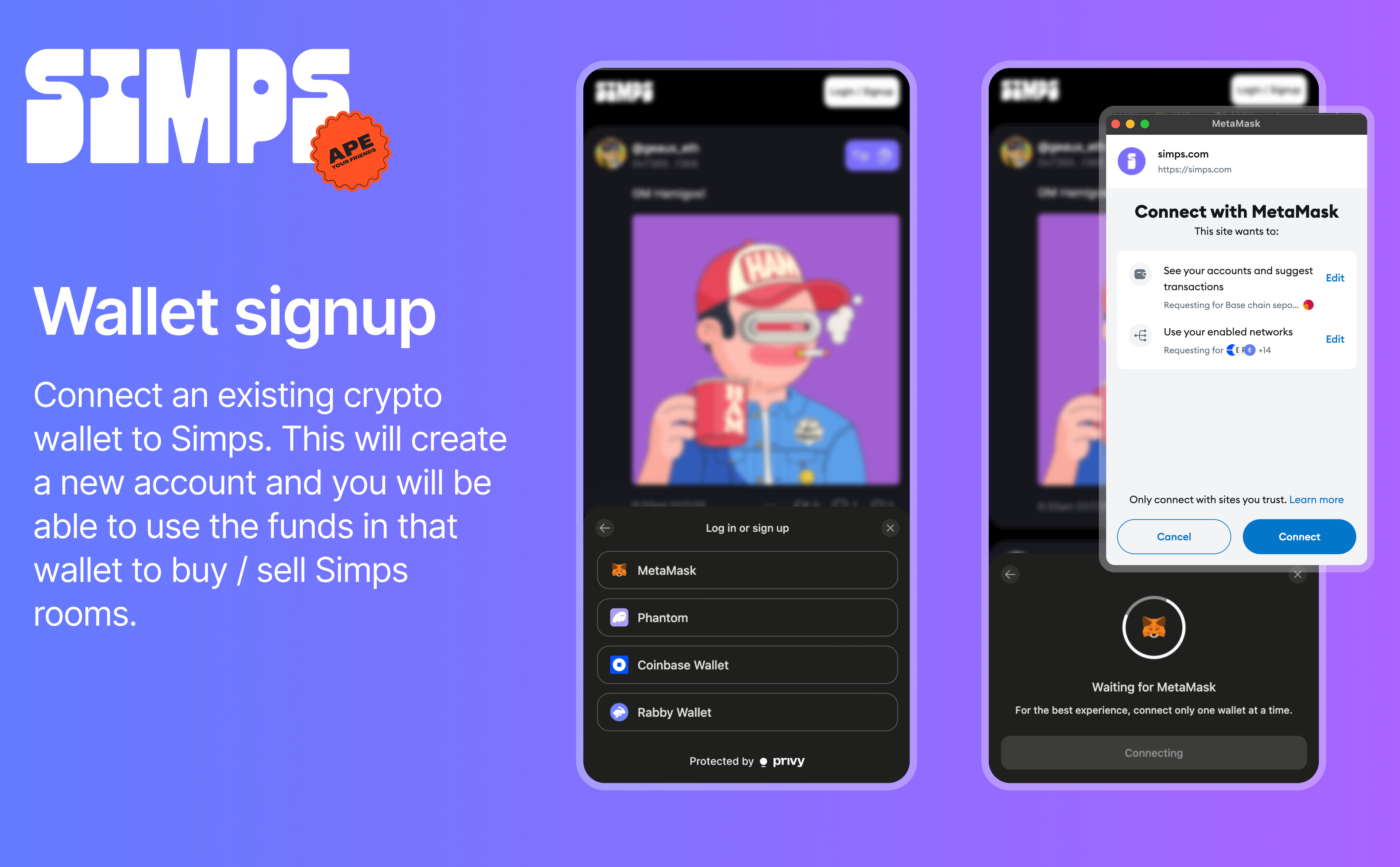
The wallet option allows you to connect an existing crypto wallet like Metamask or Rabby wallet. You will be prompted to sign a message with your wallet to confirm your identity.
Once connected, you will be able to use the funds in that wallet to buy / sell rooms.